Video Transcript
Welcome to today's onboarding session. Our goal is to walk through the Adept Discovery Worksheet together, tab by tab, before anyone fills it out. This worksheet is the single source of truth we use to configure your Adept environment — the fields on your data cards, how metadata gets pulled from your files, how users and groups are set up, where libraries live, and how documents move through approval. By the end of this session, you should feel confident sitting down as a team to complete it accurately the first time.
The Discovery Worksheet is not a form we file away — it is literally the configuration source for your environment. Whatever fields, cards, users, and workflow steps are described here are what gets built, with no hidden second pass to quietly add things that were missed. Cross-department impact is critical: the same document may need different fields visible to Facilities, Manufacturing, the Project Manager, and the Shop Floor, so if only one group fills this out, we will likely miss requirements from the others. Changes after go-live are costly — restructuring a library or adding a field once users are already working means touching live data and retraining people.
We'll move through six tabs of the worksheet in the same order Adept itself is organized — fields first, then how that data gets populated automatically, then how people find files, then who is allowed to see and touch them, and finally how documents move through your business process. Keep your own copy of the worksheet open and note which teammates should be pulled in for each tab. For example, a CAD administrator will care most about Field Mapping, while a document controller will care most about Users, Groups, Libraries, and Rights.
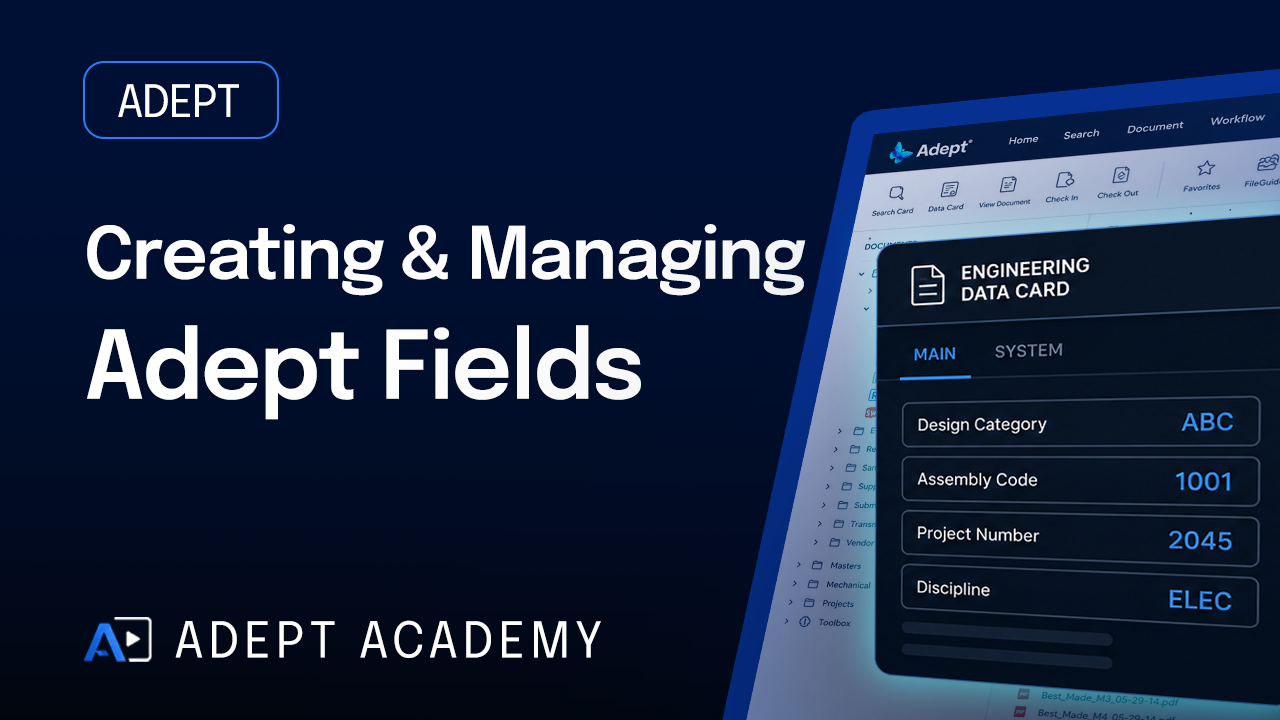
Adept ships with a large library of pre-configured database fields covering document identifiers, dates, revisions, contacts, and project information — your job is to tell us which ones you'll actually use. Go field by field through the pre-configured list and use the Comments column honestly: if a field isn't relevant, say so, because unused fields just add clutter to your data cards. Your Easy Start package includes up to five new custom fields, and for each one you should note which Data Card and which tab within that card it should appear on.
The fields you review on Tab 1 don't show up identically for everyone — each department works from its own Data Card, a curated set of tabs pulled from the same underlying field library. Facilities Management and Manufacturing are the richest, each with five tabs including ECR and Transmittal; Project Manager is leaner, focused on Document Info, E-Mail, and Transmittal; and Shop Floor is the most streamlined, with just Document Info and Work Order for fast access to build instructions. When filling out the Adept Fields tab, think about which of these four groups needs to see each field — not just whether the field exists somewhere in the system.
Adept can read attribute data out of AutoCAD titleblocks and property data out of Word, Excel, SolidWorks, and Inventor files to automatically fill in Data Card fields, so your teams aren't retyping project numbers or titles every time they save a file. You can map more than one source to a single field — for example, Title 1 can pull from an AutoCAD titleblock and also from a Word document's Title property, keeping the same Adept field populated regardless of file type. AutoCAD extraction is included in your Easy Start, and you have up to 15 fields you can map, so prioritize the fields your teams type most often today.
FileGuide views give your teams structured, guided search paths so they can browse documents the way they already think about them — by project, discipline, product line, or workflow stage — instead of hunting through folders. Walk through the examples provided: Discipline, Project Name, and Extension suits engineering teams thinking in terms of trades, while Job Number, Product Type, and Extension suits manufacturing tracking by job. Your Easy Start includes up to two custom FileGuide views, so think about the two or three questions your staff ask most often when hunting for a file and build the view around those questions.
For every person who will touch Adept, we need four things: their identity information including a Login ID that must exactly match Active Directory if you plan to sync; their Web Client type, which controls what they can generally do; any special rights such as Workflow Admin or Transmittal Admin; and their group membership across up to five groups. Decide on group names before typing in users, since retrofitting a naming scheme after twenty rows are filled in is tedious — groups often map to departments or to a mix of department and site. Your Easy Start includes up to 20 users and 5 groups.
Every library is either Checked — meaning files move through a workflow with approval steps — or Unchecked, meaning they don't. For each library, your groups receive one of four rights levels: Viewing for read-only access, Editing for creating and modifying documents, Workflow Managing for document control responsibilities during the approval process, and Document Managing for deletion and administrative work reserved for a trusted few. Think library by library rather than group by group, since it's easier to reason about who should touch a specific set of files than to reason abstractly about a whole group's permissions everywhere — and you have up to ten libraries configured in Easy Start.
The Workflow tab is the business-process layer sitting on top of everything configured so far — name your workflow to match your real terminology and define each step in order, such as Draft, Review, and Final Approval. At each step you can allow expedite reject or approve, reroute to another assignee, and check-out for edits; you can also set entry alerts and recurring reminder alerts to keep documents from stalling, targeting a specific user or an entire group. When a document reaches final approval, Adept can automatically notify the document owner or requester — this is where all the earlier tabs come together into a process everyone can rely on.
Before you sit down to fill out the worksheet, make sure every department has a voice — Facilities, Manufacturing, Project Management, and the Shop Floor each see this data differently, and leaving any group out is exactly how requirements get missed. Design for how you actually work today, not an idealized version: if there's a workaround in your current system, tell us, because Adept likely handles it properly but only if we know it exists. Be specific in every comment — 'unused,' 'rename to X,' or 'add to Y card' gives us something to act on, while a blank cell tells us nothing — and think through edge cases like contractors, multi-site staff, and rare document types before they become support tickets in month two.
Once you finalize all six tabs and return the worksheet to your Adept consultant, our implementation team builds your fields, data cards, libraries, users, and workflow exactly as specified — so the more precise the input, the more accurate the first build. Before anyone's daily work depends on it, we walk through the configured environment together to confirm it matches your intent and catch anything lost in translation. After go live, our support team remains available as real usage surfaces needs nobody anticipated on day one, which is expected and completely normal.
The floor is open for questions. The value of this worksheet comes from involving every department — not just the group leading the project — so if there are stakeholders you haven't yet consulted, schedule those conversations before finalizing your answers. Reach out to your implementation team contact with any questions as you work through the worksheet, and thank you for your time today.